
I have just done a very, very odd re-organization to one of my photo galleries and thought I should explain the “method to the madness” behind it…
I know so much more about Atlas9 now than I knew when I first started organizing the gallery. I just (with a little help from a robot friend) did some extensive renaming and reorganization on the 2200+ photos in this gallery
https://www.disneyfans.com/photos/misc/OtherPlaces/Kansas/Atlas9/index.html
- Some room names have been updated now that I know the correct (or at least more-correct) name for them.
- Some new rooms have been added. Early on, some areas just blended together for me, and were grouped accordingly. I have been trying to split these up (such as the mirror rooms on Floor 2 — now represented as three different rooms instead of one block of “Mirrors”).
- Early on, I attempted to show what rooms connect to other rooms by having sub-folders called “toOtherRoom”. I would place a photo of what that path (doorway, tunnel, etc.) looked like in that sub folder, if I had it. But I generally didn’t have them so those folders were left empty, at letting you know there was a connection — even if I couldn’t show it to you.
The fundamental interconnectedness of all things…
Well, today’s update got well beyond that. Unlike my other galleries, this one is a bit different. I now have a (mostly) complete connection list of all rooms inside the attraction. The rules are:
1. If it is an area, such as the Lobby, and has other rooms listed as sub-folders, those connections are assumed. i.e., the “Lobby” folder contains “Arcade” and “Concessions,” so those three areas are connected.
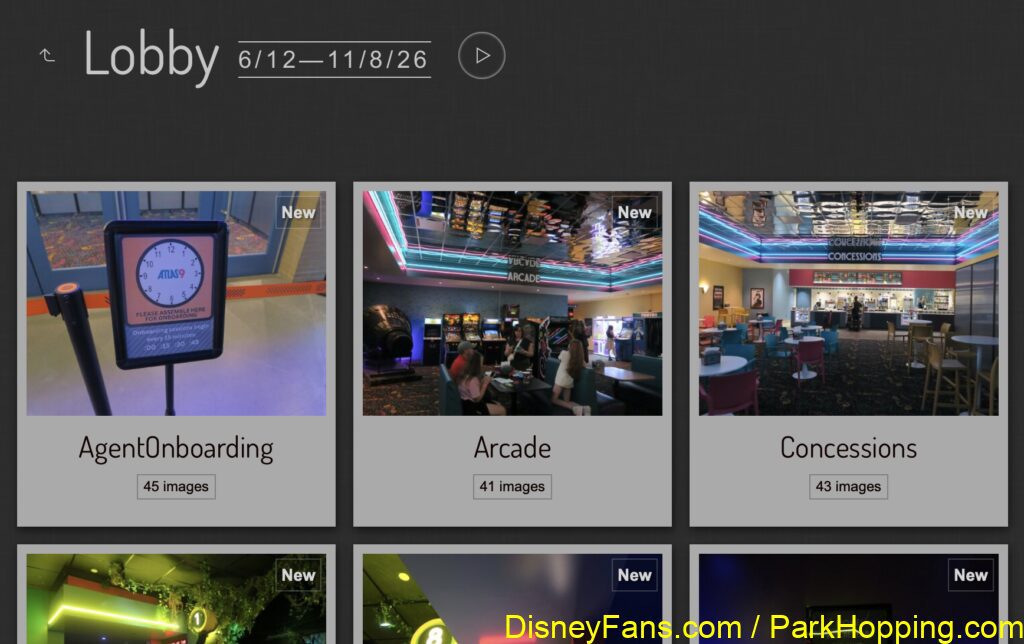
2. If the area is not in a subfolder, I am trying to play “toOtherRoom” folders. For example, “Lobby” also connects to “Containment Zone”, “Theater”
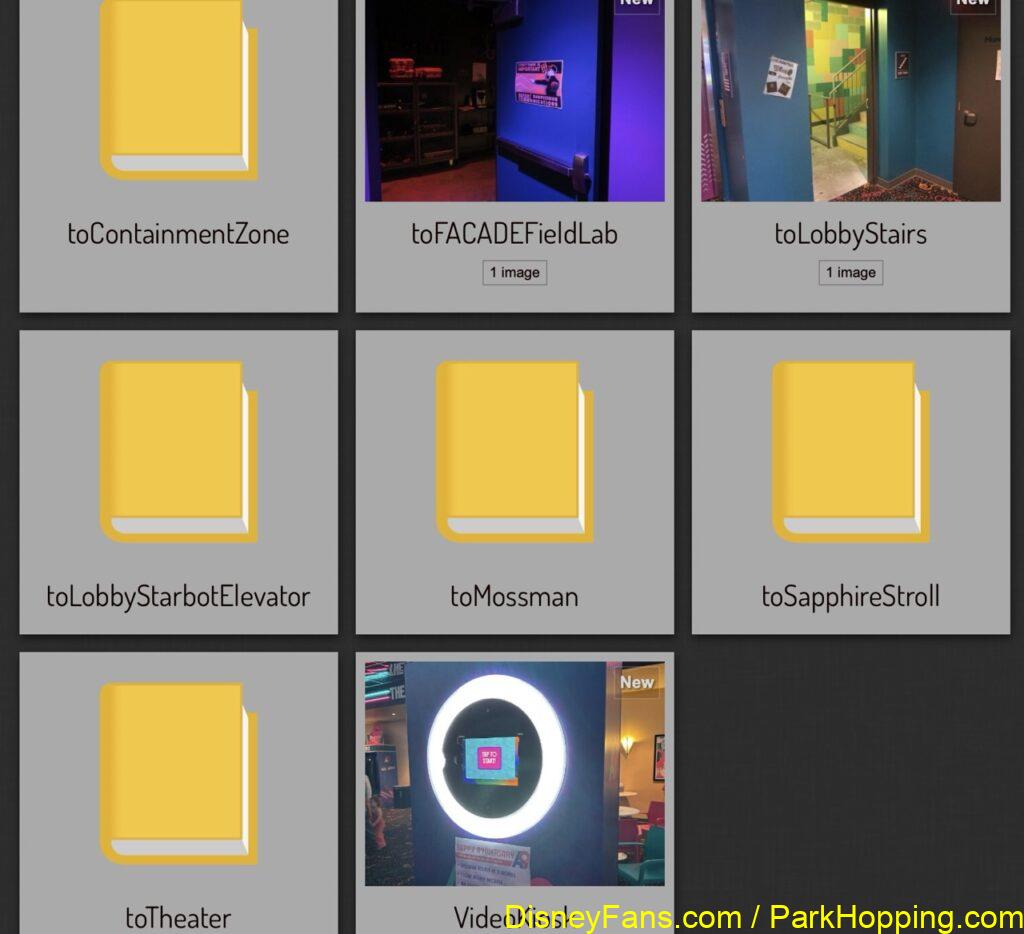
Now, I do wish this gallery had a way to cross link one photo folder to another (I should check; maybe it does through some kind of extension), because it would be cool if you could click around the gallery and navigate around Atlas9.
But for now, those are just things letting you know what one room is connected to. And if you’ve ever been to a place like Atlas9 or Meow World, you may understand how convoluted the layouts can be — and most of us don’t know the official names for anything, so we might know “oh it was right down from the Lobby where the Concessions are” and this helps find it.
Stairs, Elevators and … Crawls?
Atlas9 has four sets of stairs, one elevator, and three crawlspaces that connect areas. I went and added those too, and even tried to indicate what is at each end of a stair — “up to Starbot” versus “down to Lobby.” This looks weird, but it works.
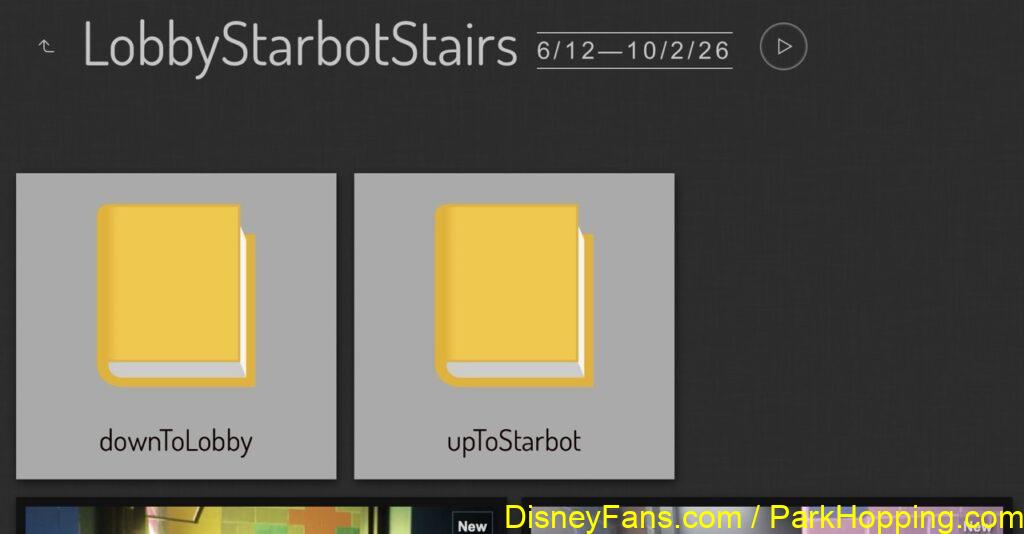
I am now left with a bunch of empty directories, and that gives me a list of photos I need to take the next time I make it down to Kansas City, KS to re-visit this wonderful attraction.
And when I do, I am sure there will be another update to the gallery.
More to come.