Iowa’s Lost Island theme park bans cameras on rides.

Per a post to their official Facebook page, Lost Island Themepark (as they refer to it) in Waterloo, Iowa is the latest park to ban on-ride recording.

🚨 On-Ride Photo/Video Update 🚨
At Lost Island Themepark, we love the fact that our guests want to capture their day, sharing it with friends and family. For the safety of all guests and guides, we are updating our on-ride camera policy.
Moving forward, there will be NO cameras allowed on rides, no matter their securement method.

If you are a content creator and want the chance to collaborate with Lost Island, we encourage influencers/media to contact us before your visit by filling out this form on our website. https://www.thelostisland.com/park-info/contact/influencer/

This is really only a minor change. Since opening year, recording on rides was not allowed unless the camera was physically harnessed to the rider. They were quite strict. I couldn’t even ride their Ferris Wheel one time because I was carrying a camera bag and did not want to leave it on the ground. šŸ˜‰

Of course, even with these changes, many folks will still disregard the rules. You can find plenty of videos online from folks who don’t think rules apply to them.

The new policy matches what other larger parks have been doing for years. For example, Silver Dollar City only allows cameras on two rides: Flooded Mine (a slow moving indoor boat ride) and the steam train.

We just hope there wasn’t an incident that caused this new policy. If you have ever been to Universal Studios Florida, you will note how extreme they take their rules. You have to pass through metal detectors to board certain thrill rides and can’t bring anything with you. But, they had an incident where a guest was blinded by someone’s cell phone years ago.

What has your local park done?

My digital cameras, since 1996…

I wondered how many photos I’ve taken with each camera I have owned. I used a script to find out, but unfortunately it does not tell me how many were taken with my original Epson PhotoPC camera. That was before the standard, so the way it worked was different. Still interesting, to me.

(This does not include any of the images taken with an iPhone over the years.)

Photos per camera:
• Canon Canon PowerShot G5 X: 132110
• FUJIFILM FinePix F10: 46544
• Panasonic DMC-LX5: 21257
• SONY CYBERSHOT: 20044
• Panasonic DMC-LX3: 18858
• SONY DSC-W1: 9663
• SONY HDR-CX7: 8575
• SONY HDR-HC1: 7358
• SONY HDR-CX12: 6024
• CASIO COMPUTER CO.,LTD EX-Z4: 4358
• SONY HDR-XR500V: 2836
• SANYO Electric Co.,Ltd. X1200: 211
• RICOH RICOH THETA S: 6

I wonder what the “SANYO Electric Co.” is.

Howard Johnson’s Mattercam

Last year I stumbled upon this YouTube video where a family photo bombs the Mattercam:

The Mattercam is a camera on the top of the Howard Johnson’s hotel next to Disneyland. “Back in the day” it provided a static image of the Matterhorn that would refresh from time to time. Today, it is a live video feed, and the camera pans to different locations every few minutes.

As of this writing (9/23/2022), here are the fourteen locations the camera will cycle, in this order:

  1. Matterhorn
  2. Space Mountain
  3. DCA Overview
  4. Mickey’s Fun Wheel
  5. Incredicoaster –
  6. Carsland –
  7. Guardians of the Galaxy –
  8. Grand Californian
  9. Monorail
  10. Esplanade
  11. Check-In Spot
  12. Disneyland Overview
  13. Bobsled Zoom
  14. Submarines

The Walt’s Chili Bowl family chose the “Check-In Spot” for their location. I thought it might be fun to pinpoint all the locations the Mattercam points to which could also offer photo bombing opportunities.

Unfortunately, I live in Iowa, so running down to the Disneyland Resort Area is not something I can easily do.

Any locals out there care to take this on?

How often do I use my camera’s zoom? I wrote a script to find out.

While picking up a camera lens cleaner today, the camera shop guy showed me a better camera than the old one I use. It could take better pictures, including low light, and use interchangeable lenses so a super zoom could be added.

But, zooming was manual. Right hand holding the camera, left hand controlling the manual zoom on the lens. Plus, you had to remove the lens cap and manually extend the lens before you could even take a shot.

As nice as it would be to have a better camera, the way I take photos (often with my camera in my right hand, while my left hand has a beverage or video camera), the thought of doing the extra work every time I wanted to snap a photo is not desirable.

Most of the time, my camera is off, with the built-in lens cover protecting it. I power it on, the cover opens and lens extends and I am ready to take a shot within a second or two. How many photos would I miss out on if I had to do more work every time I wanted to take a picture?

As to the zoom, I created (with help of ChatGPT) a script to scan through my photos and tell me how many unique zooms it found. If I rarely zoomed, the number would be low. If I often zoomed, it would be high.

Unique Focal Lengths Found: 76 in 2204 photos

In a specific folder of photos form one visit to California Adventure, I had 76 different zoom levels. But, this isn’t truly what I want to know. For instance, if 99% of the time I turned on the camera and zoomed in maximum, and the other 1% of the time I just turned it on and did nothing, it would show 2 zoom levels — even though I actually used the zoom 99% of the time.

More work on this script needs to be done. A few interacting with ChatGPT later, and now I have one that shows me a formatted listing, from most-used to least-used focal lengths, along with their percentages:

Scanning photos in 'CaliforniaAdventure2022'...
2204 photos scanned.
Unique Focal Lengths Found: 76
        44/5:  1858 ( 84.30%)
       184/5:   104 (  4.72%)
    9069/500:    28 (  1.27%)
  14549/1000:    16 (  0.73%)
    2693/100:     8 (  0.36%)
   10541/500:     7 (  0.32%)
    5873/200:     7 (  0.32%)
  12103/1000:     7 (  0.32%)
  16583/1000:     6 (  0.27%)
    5839/250:     6 (  0.27%)
    6381/500:     6 (  0.27%)
   13693/500:     5 (  0.23%)
  24453/1000:     5 (  0.23%)
    9189/500:     5 (  0.23%)
   10693/500:     5 (  0.23%)
    3289/100:     5 (  0.23%)
  25639/1000:     5 (  0.23%)
  10051/1000:     4 (  0.18%)
   15229/500:     4 (  0.18%)
  20211/1000:     4 (  0.18%)
  19393/1000:     4 (  0.18%)
      983/50:     4 (  0.18%)
    2479/250:     4 (  0.18%)
  13319/1000:     4 (  0.18%)
  27857/1000:     3 (  0.14%)
    6711/200:     3 (  0.14%)
  26487/1000:     3 (  0.14%)
    3163/100:     3 (  0.14%)
  10317/1000:     3 (  0.14%)
    3401/200:     3 (  0.14%)
    2877/200:     3 (  0.14%)
  25233/1000:     3 (  0.14%)
  23713/1000:     3 (  0.14%)
  22669/1000:     3 (  0.14%)
    6449/500:     3 (  0.14%)
  22013/1000:     3 (  0.14%)
  17671/1000:     3 (  0.14%)
    5797/500:     3 (  0.14%)
    7709/500:     3 (  0.14%)
    1579/100:     2 (  0.09%)
   10393/500:     2 (  0.09%)
    3679/250:     2 (  0.09%)
    2167/200:     2 (  0.09%)
  22337/1000:     2 (  0.09%)
    2099/125:     2 (  0.09%)
  19131/1000:     2 (  0.09%)
    6977/200:     2 (  0.09%)
    7801/500:     2 (  0.09%)
    4099/200:     2 (  0.09%)
    2037/200:     2 (  0.09%)
   12419/500:     1 (  0.05%)
       151/8:     1 (  0.05%)
   12039/500:     1 (  0.05%)
      753/50:     1 (  0.05%)
  15983/1000:     1 (  0.05%)
    2328/125:     1 (  0.05%)
  15237/1000:     1 (  0.05%)
   14951/500:     1 (  0.05%)
  26057/1000:     1 (  0.05%)
  16379/1000:     1 (  0.05%)
    1739/125:     1 (  0.05%)
    1778/125:     1 (  0.05%)
  11847/1000:     1 (  0.05%)
  16179/1000:     1 (  0.05%)
    2876/125:     1 (  0.05%)
   9499/1000:     1 (  0.05%)
    4983/250:     1 (  0.05%)
      241/25:     1 (  0.05%)
      293/25:     1 (  0.05%)
  13037/1000:     1 (  0.05%)
    7443/500:     1 (  0.05%)
    2712/125:     1 (  0.05%)
  28343/1000:     1 (  0.05%)
  12363/1000:     1 (  0.05%)
    1361/100:     1 (  0.05%)
  12627/1000:     1 (  0.05%)

I’m guessing that the 84% is the time I just turn on the camera and take a photo. This tells me that 16% of the time, I mess with zoom.

It does seem like going to a camera with manual zoom is not something I want to do, since I do use the feature enough for that to be a step back.

#TheMoreYouKnow

I’ll be adding this script to my GitHub with other photo scripts I’ve been working on, shortly. You can find work-in-progress ones here:

https://github.com/allenhuffman/ShowDatesInPhotos

ABC Soap Opera Bistro in 2001

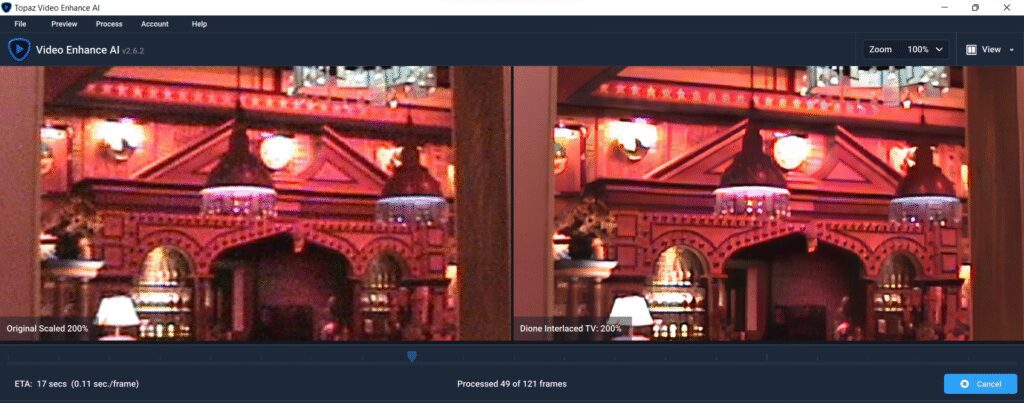
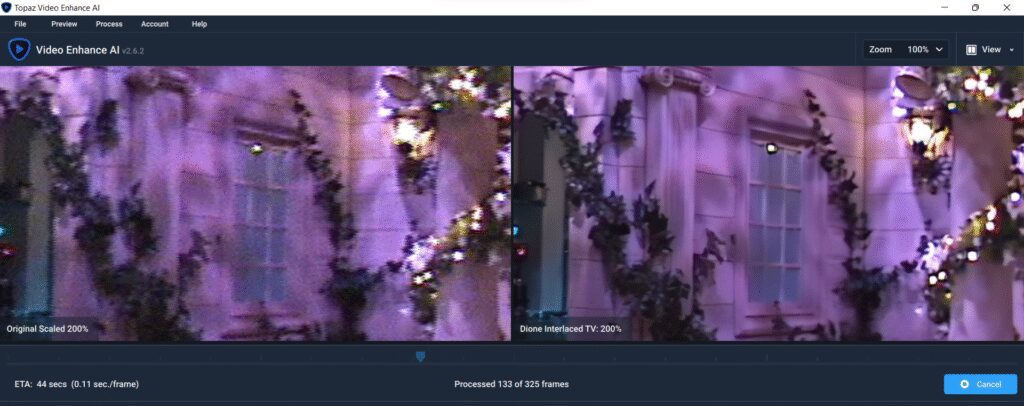
One of my New Year’s resolutions for 2022 is to import all my old Disney vacation videos and share the interesting ones. I have begun experimenting with enhancing the old Digital8 footage using A.I. software to increase the resolution and details. This really messes up much of it, but as you can see from the side-by-side screen shots below, its not too terrible.

It should be quite an interesting project. I have hundreds of hours of footage to sort through.

More to come…

The Park Hopping video archives…

As I have mentioned (many times), I purchased my first digital camera in 1996. This was followed by my first digital video camcorder in 1999. It recorded digitally on 8mm video tapes. Over the years, I recorded hundreds of tapes at theme parks and Renaissance festivals. This was followed by an upgrade to an HD camcorder that used DV tapes (which I have dozens and dozens of those), then a jump to camcorders that used memory cards.

All the memory card footage is backed up to hard drives, but very little of the Digital8 and DV tapes exist anywhere other than those tapes. Hopefully my old camcorders still work, and the tapes can still be read, because I would like to begin the process of importing them for editing and sharing.

Stay tuned… This will be a huge project for 2022.

Using 1996 photos in 2020.

When I bought my first digital camera in 1996, the specs were quite impressive. My Epson PhotoPC could take a picture large enough to fill my entire PC’s VGA-resolution screen – 640×480! Of course, on dial-up modems, you would never put pictures of that size on a website, so I often used the half-size 320×240 images online (or smaller).

But today, icons for phone apps are larger than 640×480. My huge 1996 pictures now look like postage stamps.

But technology always finds a way, and I am experimenting with some modern image processing that uses artificial intelligence to try to figure out what was supposed to be in the photo, and make it larger.

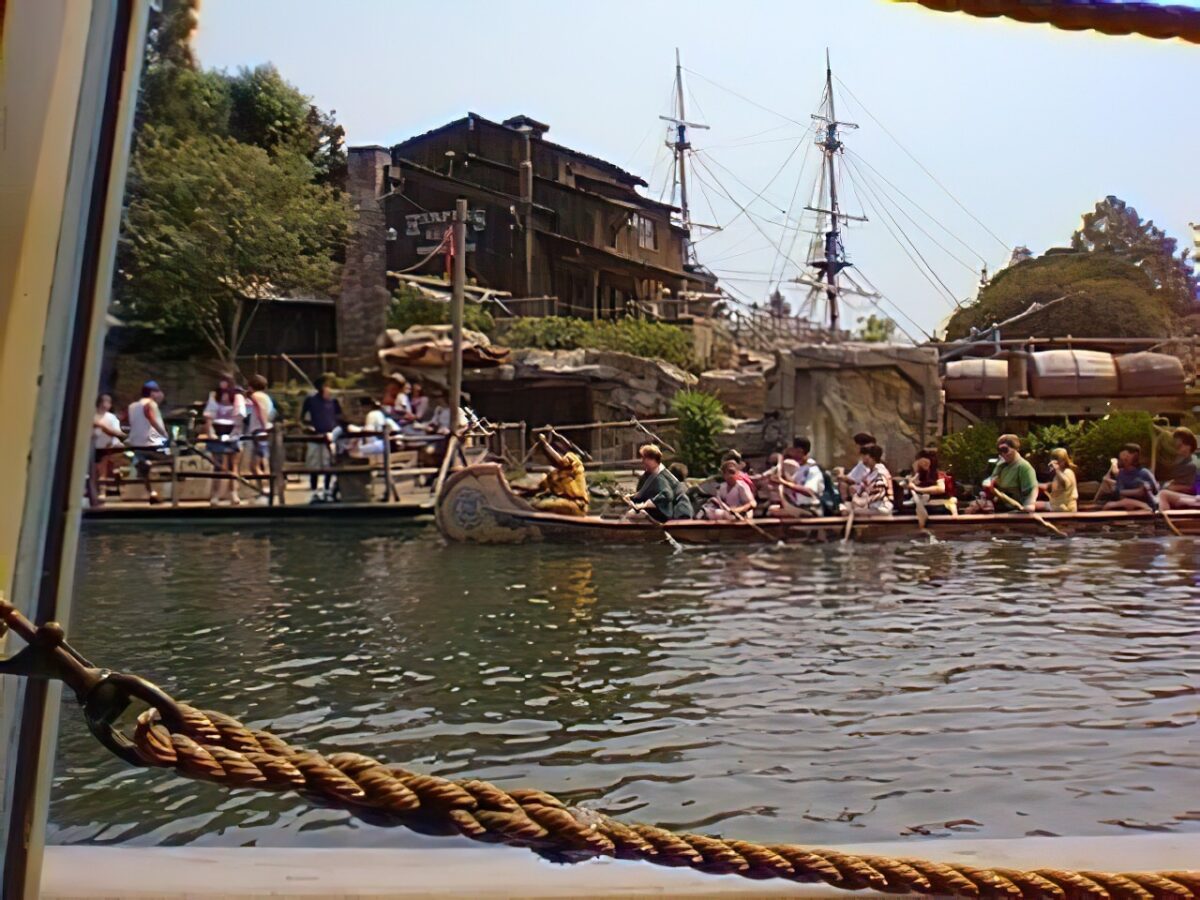
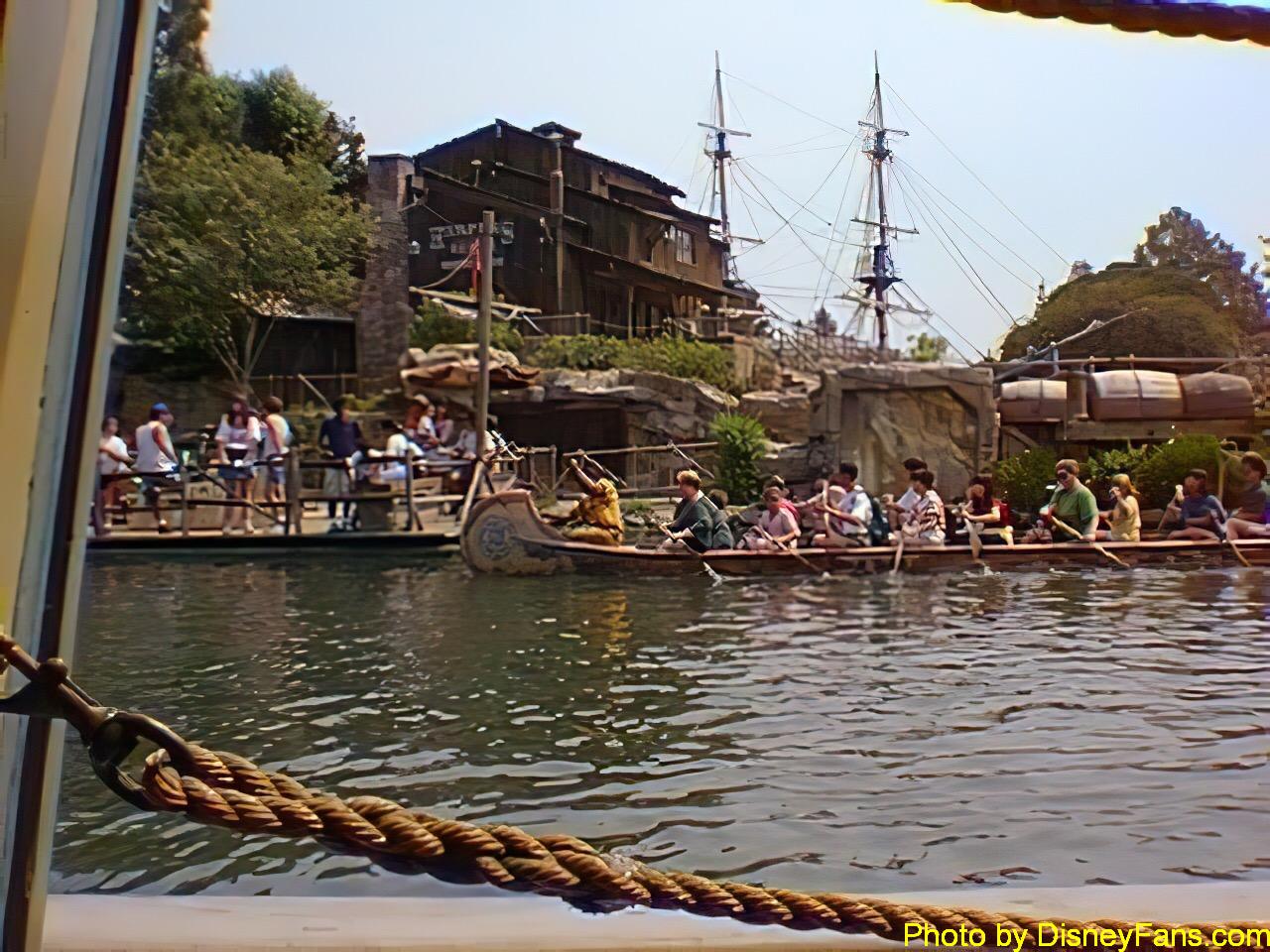
Here is an example… This is a 1996 photo from Disneyland:

1996 Disneyland Frontierland (original).

And here is the same photo, reprocessed to be double the resolution:

6401996 Disneyland Frontierland (reprocessed).

If you viewed the original at double size and compared it with the reprocessed photo, you could see quite a difference. But in small sizes in this article, it just looks a tad sharper. Zooming in on the people in the canoe shows there wasn’t enough detail for the AI to do much. It gives them a weird artistic filtered look.

Let’s see if we can show them side-by-side. You can click on these to see them full size.

The question I have for you today is … should I reprocess the photos I share in these articles? Or just use the original 1996 versions as-is?

Comments are appreciated.

Park Hopping in VR

As an early adopter of digital cameras (my first was purchased in 1996), I am no stranger to adopting new tech before the rest of the world decides it’s useful.

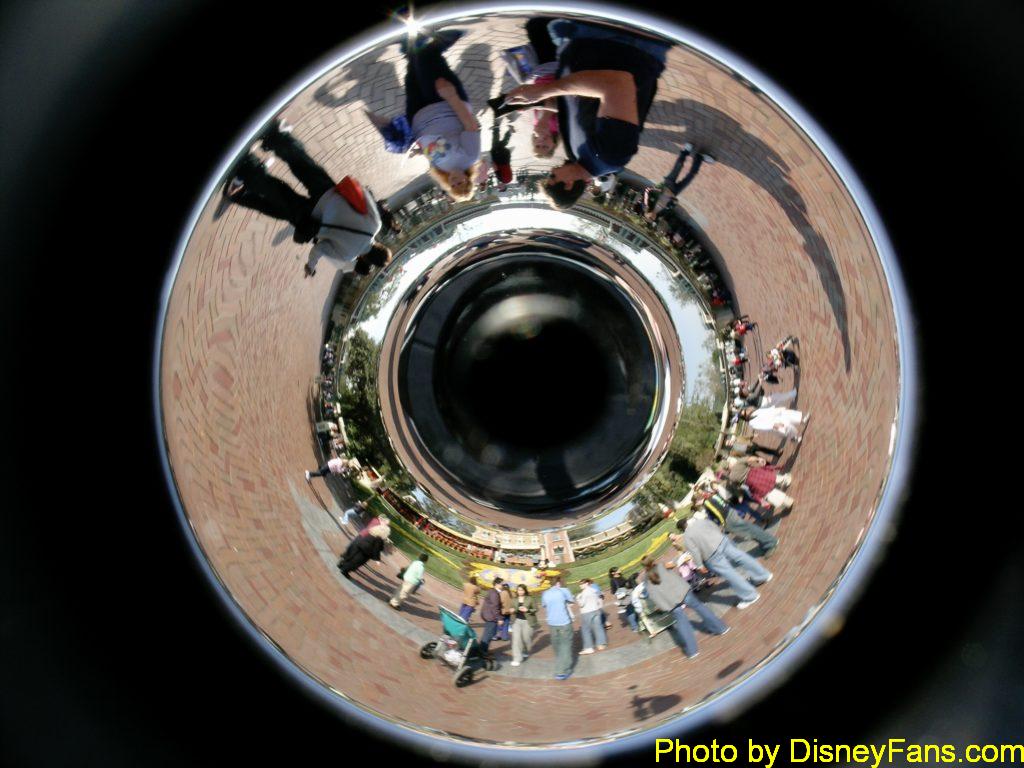
In the early 2000s, I became fascinated with panoramic photography. I learned about special mirrors that let a camera take 360 panoramic photos with just one shot. Around 2005 I purchased a SurroundPhoto attachment and a Nokia camera specifically to use for this purpose. Here is what an image looked like:

SurroundPhoto one-shot 360 mirror lens.

If you’ve ever looked at the files that come out of a modern RICOH Theta VR camera, you will find this image a bit familiar.

Using special software, this weird image could be flattened out into a panorama:

Disneyland 2005 panorama taken with the SurroundPhoto.

I had already created a virtual tour of Disneyland by taking four pictures in each spot (facing north, south, west and east) and linking them all together as web pages with a custom program I wrote. I wanted to do the next version using 360 panorama VR-style photos.

Someday maybe I will.

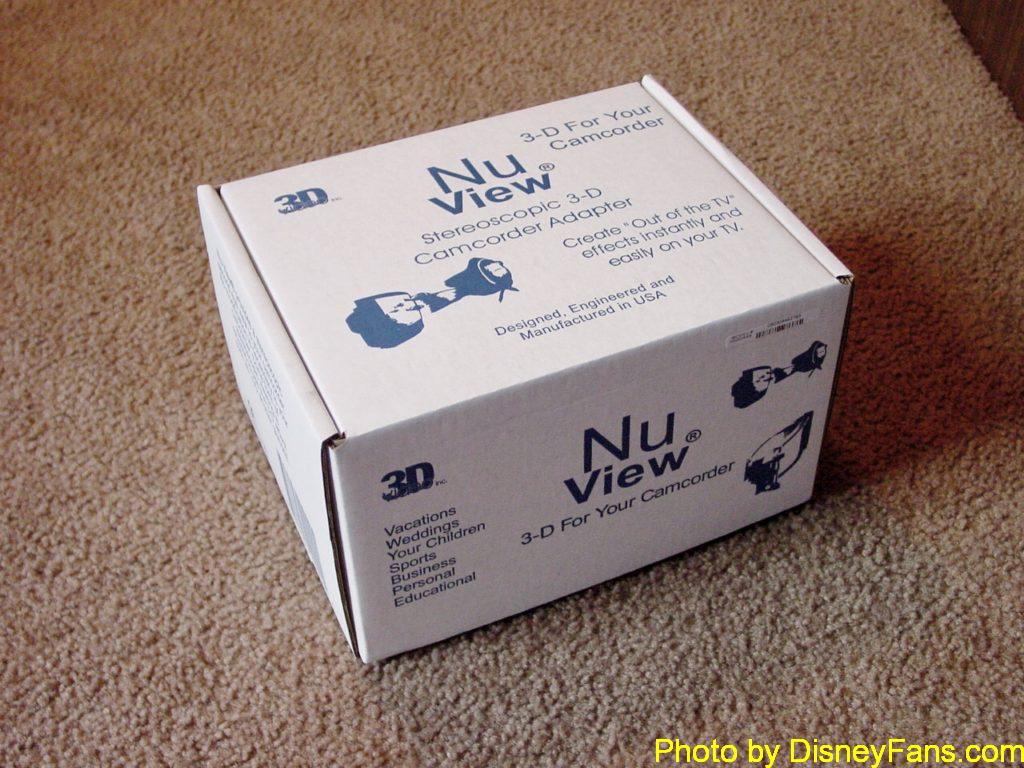
I had also gotten my first digital camcorder in 1999 and was recording everything I was allowed to during my Disney trips. I have hundreds of tapes rotting away in storage. Some of them are in 3-D thanks to learning about the NuView camcorder attachment:

MuView 3-D camcorder attachment.

This odd device attached to the front of any pre-HD camcorder and used a special lens system to record what a left and right eye would see as separate scan lines in the old video signal.

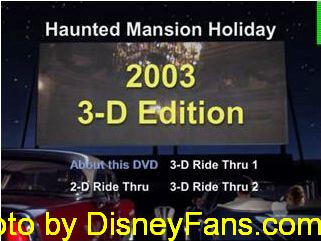
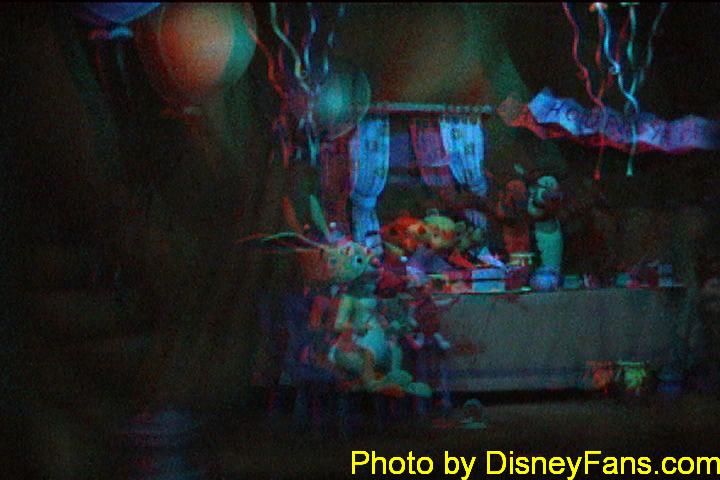
I took this with me on a few trips and recorded a few hours of 3-D video, which I could later convert to red/blue anaglyph. I made copies of my 3-D home movies available on DVD (because I also was an early adopter of a machine that could burn DVDs). It’s hard to believe that burning DVDs was a big deal. (Somewhere I still have tons of the paper red/blue 3-D glasses.)

After that, I was an early adopter of HD video (even though I wouldn’t own an HD TV until years later). I still have many tapes I have yet to even look at.

Someday maybe I will.

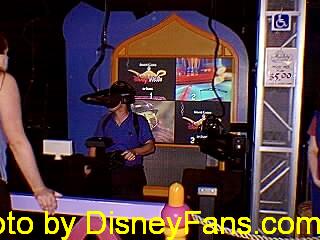
And as far as ā€œrealā€ VR goes, I did get to play Dactyl Nightmare, the first consumer VR experience, at a Dave and Buster’s near Dallas back around 1993 or so. I then saw a demonstration of VR at Epcot in 1995, then got to play DisneyVR at the Tomorrowland Starcade at Disneyland in 1996.

DisneyVR at the Disneyland Starcade on May 20, 1996.

Yet somehow I missed adopting VR at home, beyond playing with a ā€œput your phone in this thingā€ Google cardboard device.

So apologies for this announcement being so late.

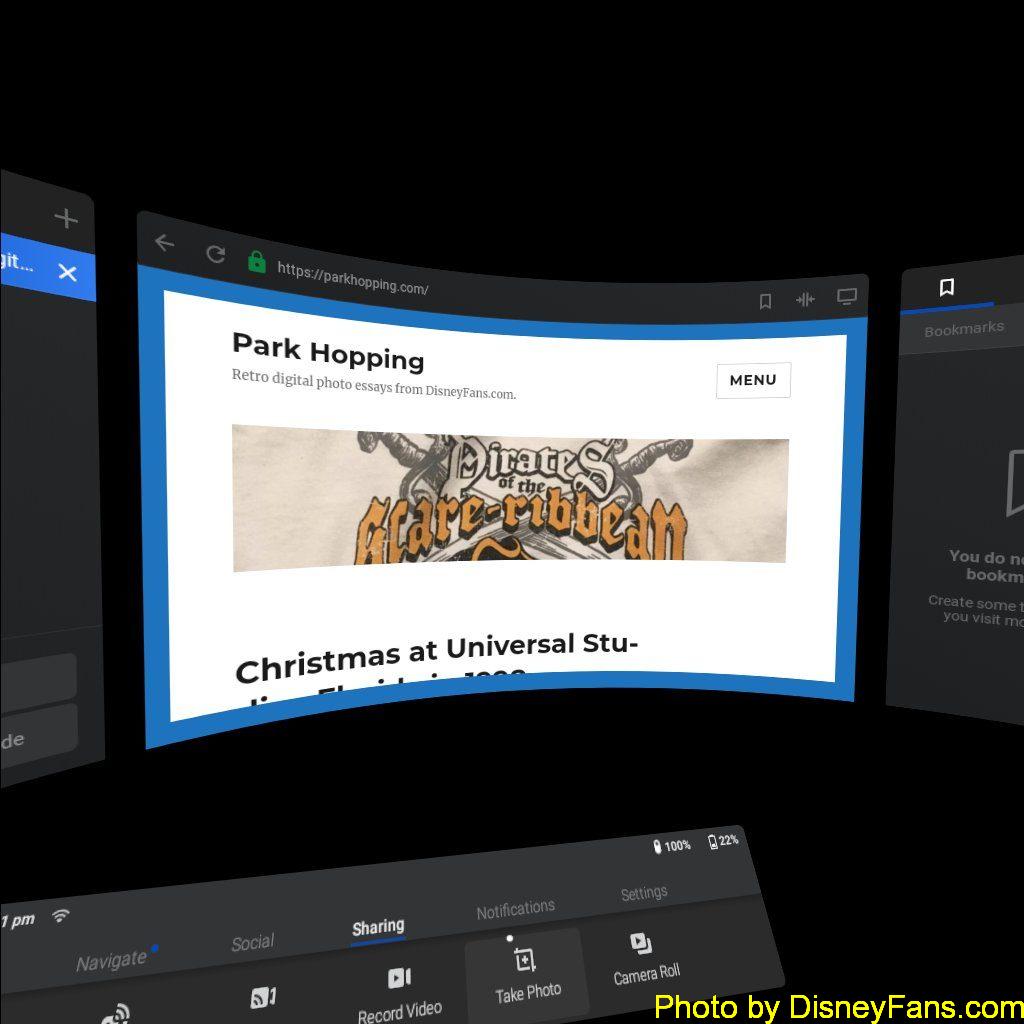
Ladies and gentlemen . . . ParkHopping.com in VR!

ParkHopping.com in VR.

You don’t seem too impressed.

Maybe someday you will.

My original web site in 1997…

My first ā€œpersonal home pageā€ (today we call them websites) was started in 1995 thanks to a site called GeoPages. They gave anyone who wanted one a tiny bit of space on their public web server. (I seem to recall it was about 512K of storage.)

GeoPages was later changed to GeoCities. My site, ā€œAl’s Placeā€, stayed there for a few years before I got annoyed with the ads and needed much more space, requiring me to move to a different hosting provider.

But I digress.

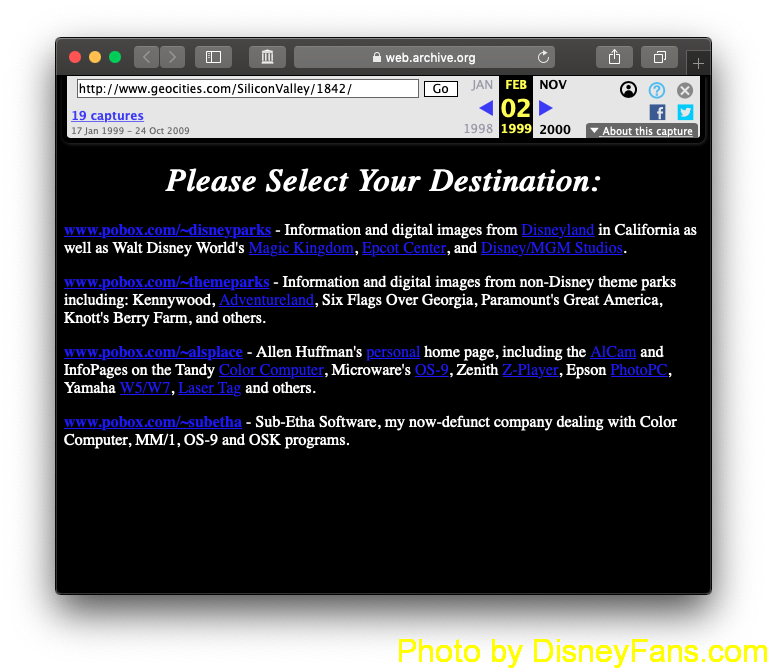
Thanks to the Wayback Machine over at the Internet Archives, you can now see the earliest copy of my website they have indexed. It was archived on February 3, 1999. The content itself looks like it was last updated in 1997 since there is a note on the site explaining that I’d moved on to a different hosting location.

Take a look at how the web began…

https://web.archive.org/web/19990202065140/http://www.geocities.com/SiliconValley/1842/

My original “personal home page” circa 1997!

I am excited to find this snapshot, though sadly it doesn’t have any of the earlier versions. It’s at least a look at my site in its final form at the old GeoCities location. I had looked for this in the archives a few years ago and it wasn’t there, so I was surprised to find it.

Of special interest to me was my link to the ā€œBanks Family Vacationā€ web page that inspired me to get a digital camera and start taking and sharing digital photos back in 1996.

Although the link on my archived site doesn’t work, it at least gave me what I needed to track it down in the Wayback Machine. Ladies and gentlemen, here may be the very first ā€œtake and post pictures from Disneyā€ site that ever existed on the Internet:

https://web.archive.org/web/19990117025019/http://www.neosoft.com/sbanks/vacation/vacation.html

That capture was from January 1999.

In an upcoming article, I’ll share some more details on what was going on back then.

Until next time…

All my Disney visits…

On my About page, I have been trying to reconstruct a list of all the times I visited Disneyland and Walt Disney World with my digital camera.

In those early days of digital photography, my camera did have a clock but it did not have a screen. The only way I could set the time was by hooking it to a computer. As such, early photos might have the wrong time zone, or even the wrong date. I’ve done my best to correct what I can and rename my photos, but it’s clear I still have some more work to do.

One thing I noticed was it showing me taking pictures at Disneyland and Walt Disney World on the same day — there was actually one day in-between those trips.

I also noticed a few screen grabs from my digital camcorder were off.

But hey, it’s closer!

Until next time…